
Networking Devices
“ The most common devices in networking are routers, switches, and modems. Along with many other gadgets, they work together to transfer data around the globe. Every message, phone call, and web request uses networking protocols and hardware to connect sending and receiving devices. ”
The internet is able to work the way we all know it by using a huge number of individual devices that facilitate computer networking. Hardware isn’t the only thing involved, of course, but it forms the backbone of every home and office network. From routers and modems to switches, servers, cables, and firewalls, each piece of equipment plays a unique role in making sure your data moves quickly, safely, and reliably. Understanding these devices not only helps you troubleshoot problems but also gives you the knowledge to build a network that securely meets your needs. On this page we’ll cover the most common networking devices and how they contribute to us getting online, sharing information, and communicating with others.
Routers
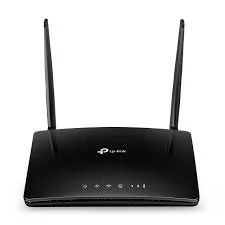
A router is like a traffic manager for your network. Its main job is to direct data between devices on your local network (like your laptop, phone, and smart TV) and the wider internet. When you type a web address into your browser, the router figures out the best path for your request to reach its destination and then brings the response back to your device. Modern routers usually provide Wi-Fi, allowing wireless devices to connect without cables. Many routers also let you create guest networks, set parental controls, or prioritize certain devices for faster internet. Businesses often use more advanced routers that can handle large amounts of traffic, manage multiple connections, and integrate with VPNs for secure remote access.¹
Modems
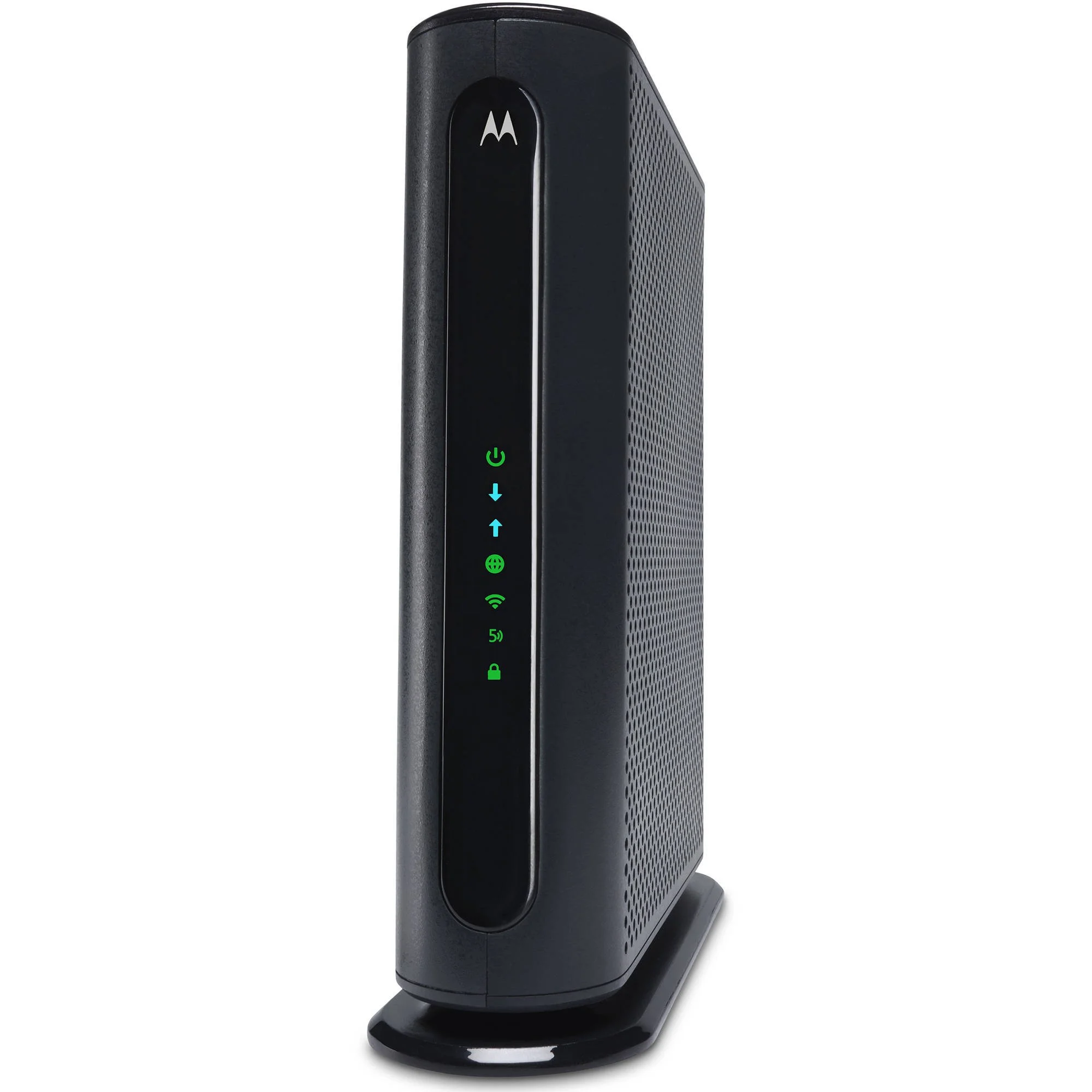
A modem (short for modulator-demodulator) is the device that connects your home or office network to your internet service provider (ISP). It converts digital signals from your devices into a format that can travel over telephone lines, cable systems, or fiber optics, and vice versa. Without a modem, your devices wouldn’t be able to communicate with the broader internet. In many homes, the modem is combined with a router in a single device called a gateway. The modem portion handles communication with the ISP, while the router portion manages your local network. Modems vary depending on the type of internet connection you have (Direct Service Line, cable, or fiber) and ISPs often provide compatible models.²
Switches
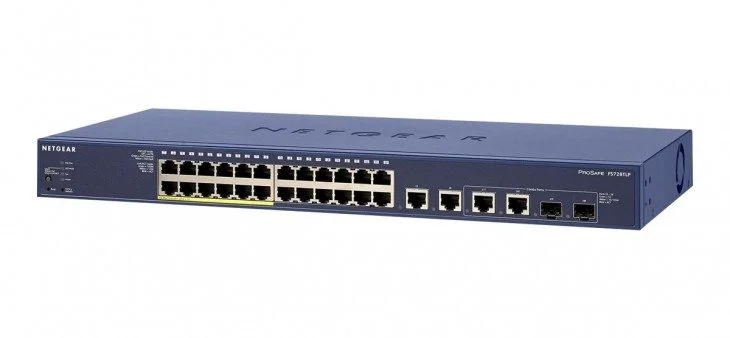
A switch is like a central hub for devices on a wired network. Unlike a router, which directs traffic between networks, a switch primarily manages communication within a single network. When multiple devices are connected to a switch, it ensures that data sent from one device reaches the correct destination without interfering with others or getting sent to the wrong device. Switches are particularly common in offices, where dozens of computers, printers, and servers need fast, reliable communication. They come in different sizes, with some handling just a few devices and managing hundreds of connections with high speed performance. Advanced switches may also support VLANs (virtual networks) to segment traffic for security and efficiency.³
Wireless Access Points
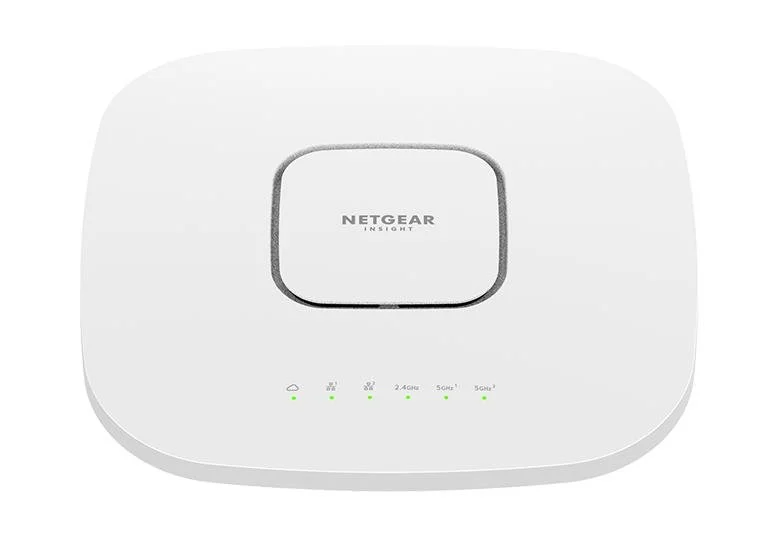
A wireless access point (WAP) is a physical device that extends a wired network to wireless devices. While routers often include built-in Wi-Fi, larger networks like offices, schools, or hotels use separate access points to provide strong, consistent coverage across a wide area. WAPs allow devices like laptops, phones, and smart gadgets to connect to the network without needing Ethernet cables. Access points can also work together in a mesh network, where multiple WAPs communicate and hand off devices seamlessly. This ensures devices stay connected even while moving around a building, extending coverage and providing a more reliable Wi-Fi experience than a single router alone.⁴
Hardware-Based Firewalls
While many people know firewalls as software, hardware firewalls are dedicated physical devices placed between your network and the internet. They filter incoming and outgoing traffic based on security rules, blocking potentially harmful connections before they can reach computers inside the local network. Businesses use hardware firewalls to protect sensitive servers and customer data. Some advanced models combine firewalls with routers, VPNs, and intrusion detection systems, creating an all-in-one security solution. For home users, a router often includes firewall features sufficient for basic protection, negating the need to spend more money on a standalone device.
Network Cables
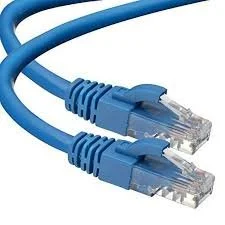
It might seem obvious, but Ethernet cables are perhaps the most important part of a wired network. They physically connect devices to switches, routers, or modems, allowing fast and reliable data transfer. Wired connections are faster and more stable than Wi-Fi, which is why many offices and gaming setups prefer Ethernet. Different types of Ethernet cables (Cat5e, Cat6, Cat6a, etc.) support different speeds and distances. Ethernet cabling is usually made of copper wires, and when you send data over the cable, your device converts digital information into electrical pulses. These pulses travel along the copper wires at incredible speeds and are interpreted by the receiving device as the original data. The pace and reliability of the transmission depend on the cable type. For example, Cat5e supports up to 1 gigabit per second, while Cat6 and Cat6a can handle higher speeds over longer distances.⁵ While Wi-Fi is convenient for mobility, Ethernet remains essential in situations where low latency and maximum speed are critical.
All of these devices work together to make modern networking possible. The modem connects you to your ISP, the router manages traffic between your devices and the internet, switches and wireless access points extend your network to multiple devices, and firewalls protect it from threats. And none of it would be possible without cables ensuring your data moves quickly and reliably. Understanding the purpose of each device helps you build a network that’s fast, secure, and tailored to your needs. If nothing else, we can appreciate the magic of being able to type something on a phone and that message appearing on another phone, thousands of miles away, in seconds. Now you know a little bit more about how that magic happens!
¹ “Understanding Routers: The Heart of Modern Connectivity”, by Jun, S, June 2024
² “Networking Devices”, International Research Journal of Modernization in Engineering Technology and Science, March 2024
³ “Understanding the Role of a Network Switch: From Routers to Ethernet Hubs”, by Reeves, J, March 2025
⁴ “Access Point (AP) in Wireless LAN”, by Abbey, N, December 2022
⁵ “Ethernet Cable Categories Explained: A Brief History”, Fluke Networks, February 2022